New comic
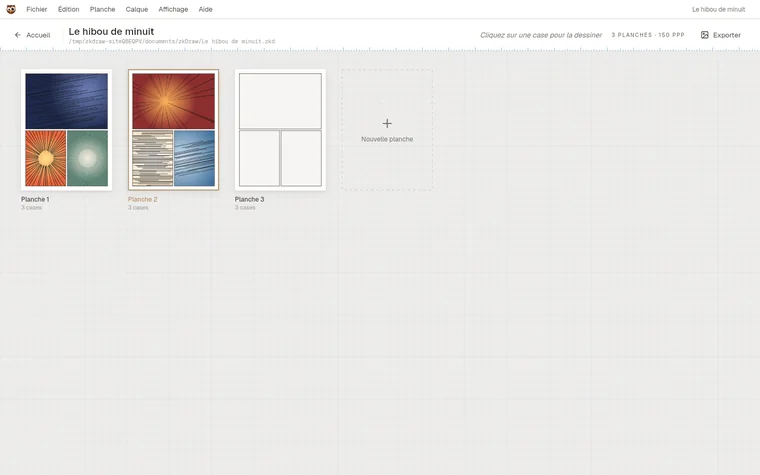
An album, its pages and panels. Pick a format and a layout, draw each panel in the studio, and watch the album fill up.
The comic studio
zkDraw is an app for drawing comics panel by panel, or free drawings at any size you like. It works offline, and your files stay yours.
Two ways to draw
An album, its pages and panels. Pick a format and a layout, draw each panel in the studio, and watch the album fill up.
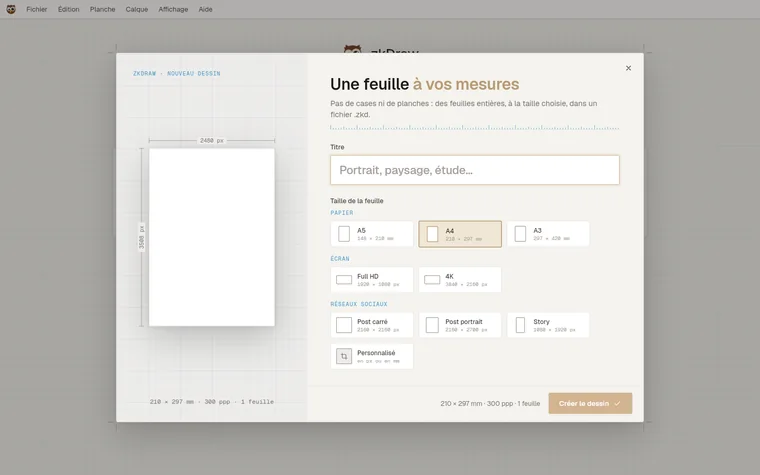
Whole sheets at the size you want: A4, 4K screen, square post, or any size in pixels or millimetres. No panels, no margins.
The studio
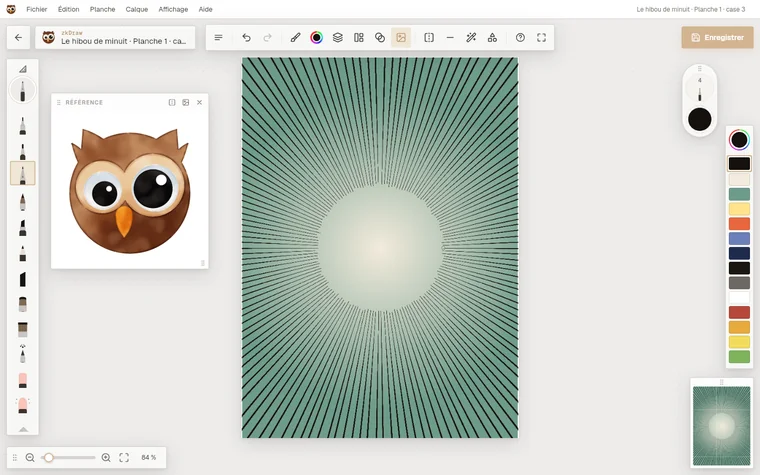
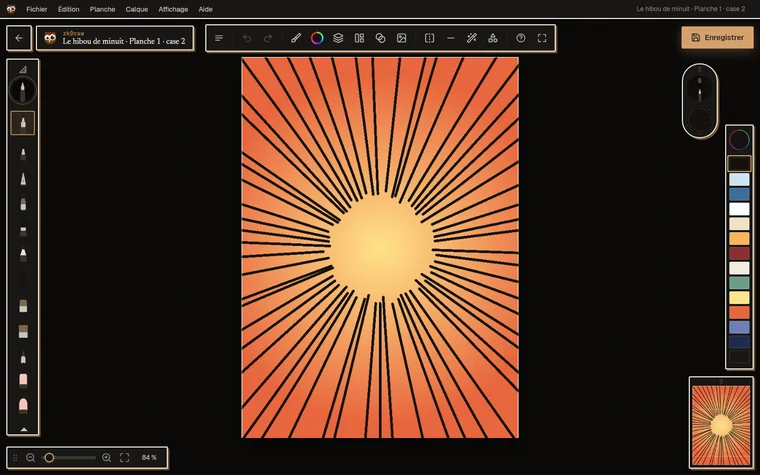
Everything a page needs is at hand; the rest steps aside while you draw.
Pens, nibs, graded pencils, charcoal, watercolour, gouache, airbrush: every stroke keeps its texture.
Pencils, inks, tones and colours kept apart, with groups, clipping masks and blend modes.
Focus and speed lines across the whole panel, drawn with the brush in hand.
Straight and ellipse rulers, symmetry, perspective grids, figures and scenes to ink over.
A photo or a model in a floating window, beside the sheet.
Nine ready layouts, diagonal cuts, bleed and manga reading order.
PNG, JPEG, TIFF, layered PSD, PDF for the printer and CBZ for comic readers.
Drawing board, ink, tone or balloon, seven accent colours and a dark mode.
At night too
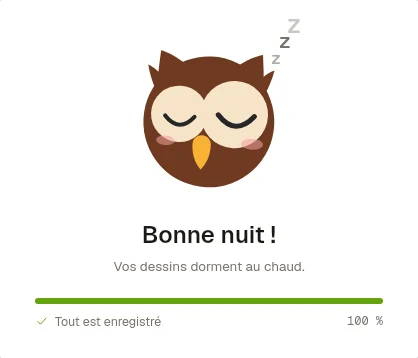
The interface goes dark, the sheet keeps its paper: your colours stay true. And when you close zkDraw, the owl tidies the studio.
Your files
Your projects live on your computer: you draw and save without ever waiting for the network.
Soon: sync each project with zkdraw.com (1 GB included with a subscription, files encrypted in Switzerland), Google Drive or Dropbox, with version history.
Connect each computer with a code; remove a lost device from your account.
Download zkDraw and try it for 14 days, no credit card needed.