Getting started
Install zkDraw, sign it in to your account and start a comic or a drawing.
- Download zkDraw, run the zkdraw-setup installer and follow its steps.
- On first launch, open Help › Account and licence… then Sign in: a zkdraw.com page opens with a code. Check it is the same and confirm.
- The free 14-day trial starts when you confirm your email address, with no credit card.
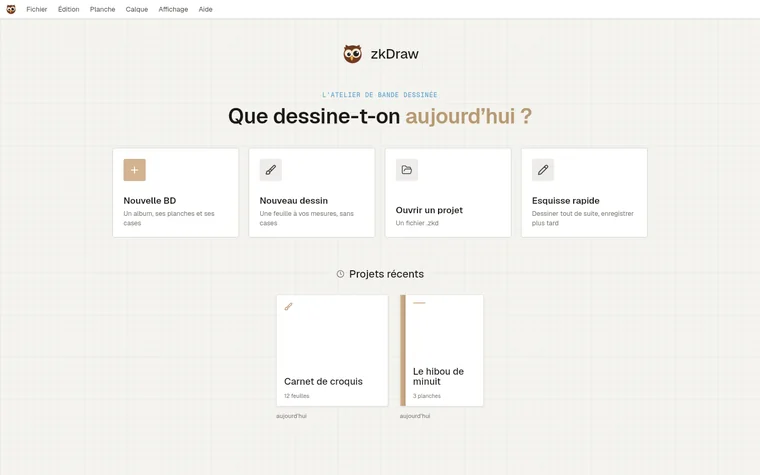
- On the home screen, choose New comic (an album, its pages and panels) or New drawing (whole sheets at the size you want).
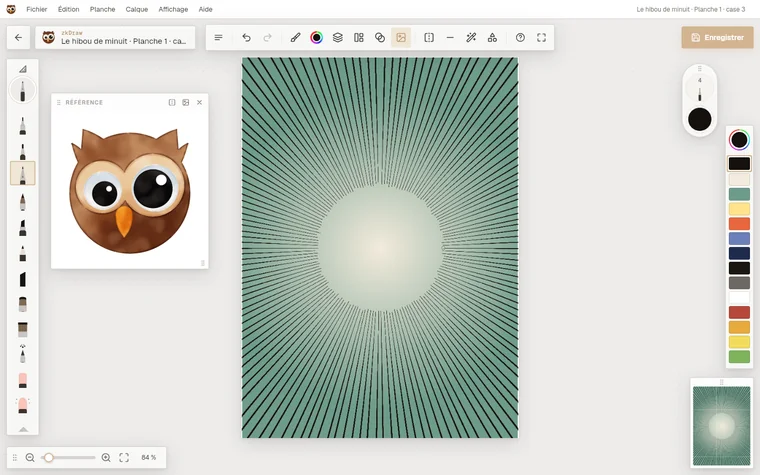
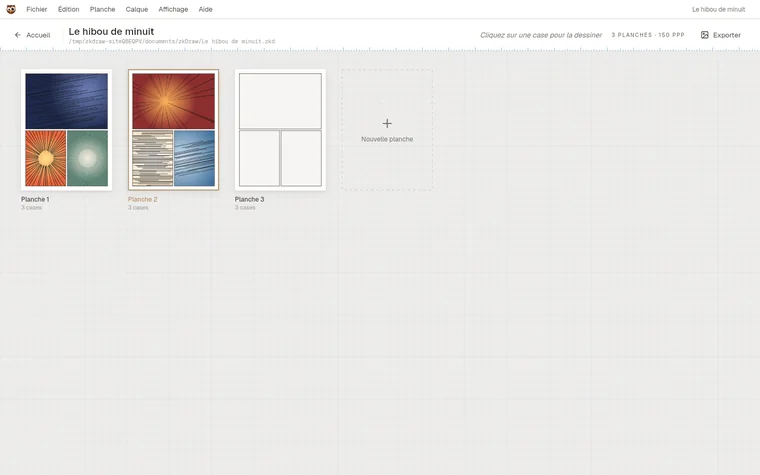
- In the album, click a panel: it opens in the studio. Going back to the album saves it.
Each project is a .zkd file on your disk. The Help menu (F1 key) also opens this help inside the app.